7 Best Open-Source Tools for Claude Code Context Management
You can give Claude Code a 1M-token context window and still get worse answers over time. The issue is not only context size. It is context quality.
Claude Code sessions degrade when terminal logs, raw tool output, repeated file reads, verbose responses, and forgotten project history all compete for attention. In long-running agent workflows, that noise turns into a loop: the model loses the thread, you add more turns to fix the answer, and those extra turns add even more noise.
This is context defocus: the model has enough room to hold information, but the important information is buried under low-signal context. Bigger windows can make this easier to ignore because developers stop thinking carefully about what enters the prompt.
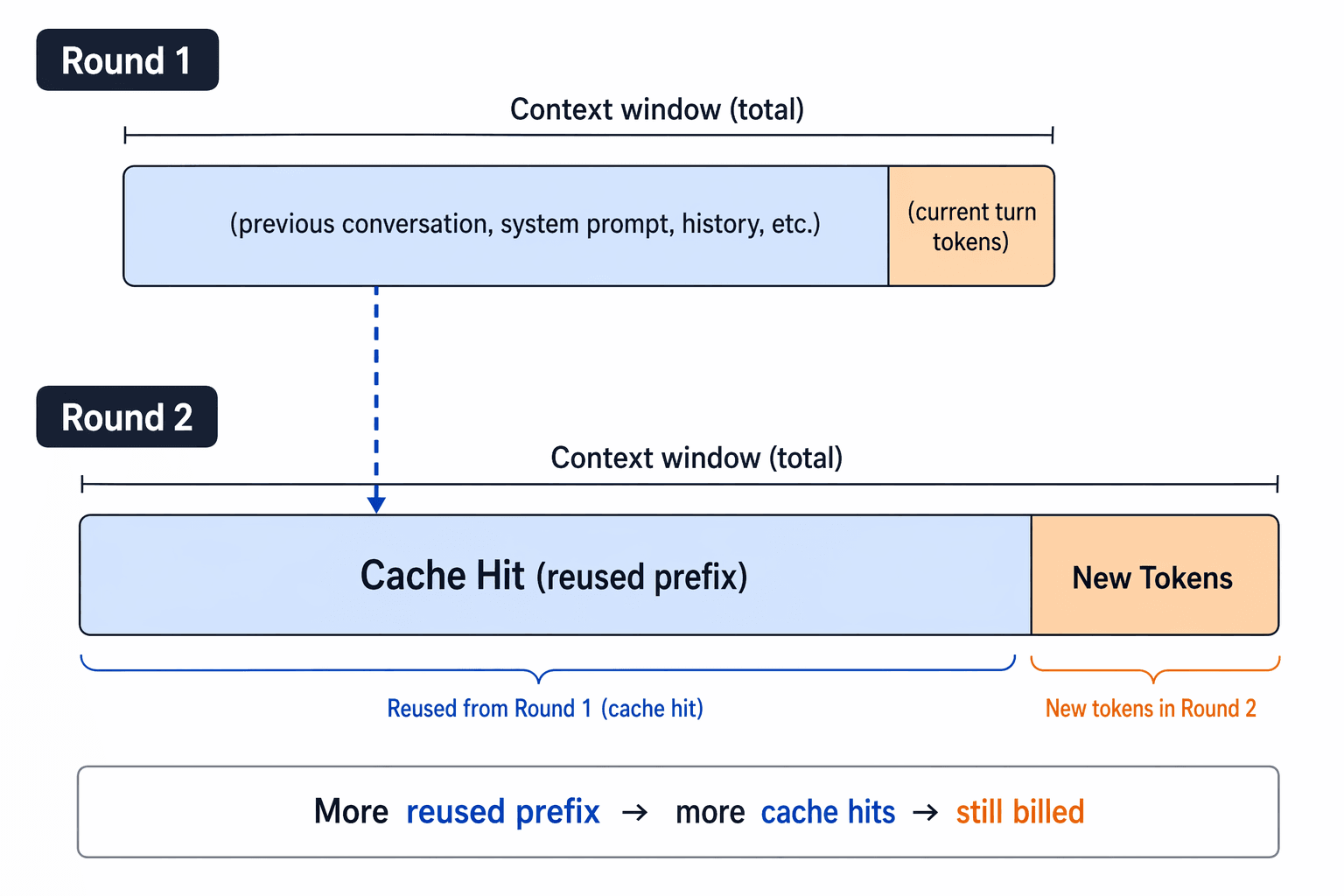 Prompt caching diagram showing how reused prefixes can still add billed context across turns
Prompt caching can reduce repeated-prefix cost, but it does not turn the context window into a junk drawer. You still pay for new tokens, and you still need the model to reason over the right information.
This article reviews seven open-source tools that attack context defocus from different layers: terminal output, tool output, codebase navigation, file reading, model verbosity, semantic code retrieval, and cross-session memory. It also explains how these ideas map to vector database design, vector similarity search, and retrieval systems such as Milvus.
What causes Claude Code context defocus?
Claude Code context defocus usually comes from five failure modes: too much raw instruction text, noisy tool output, repeated codebase exploration, long model responses, and memory gaps across sessions or agents.
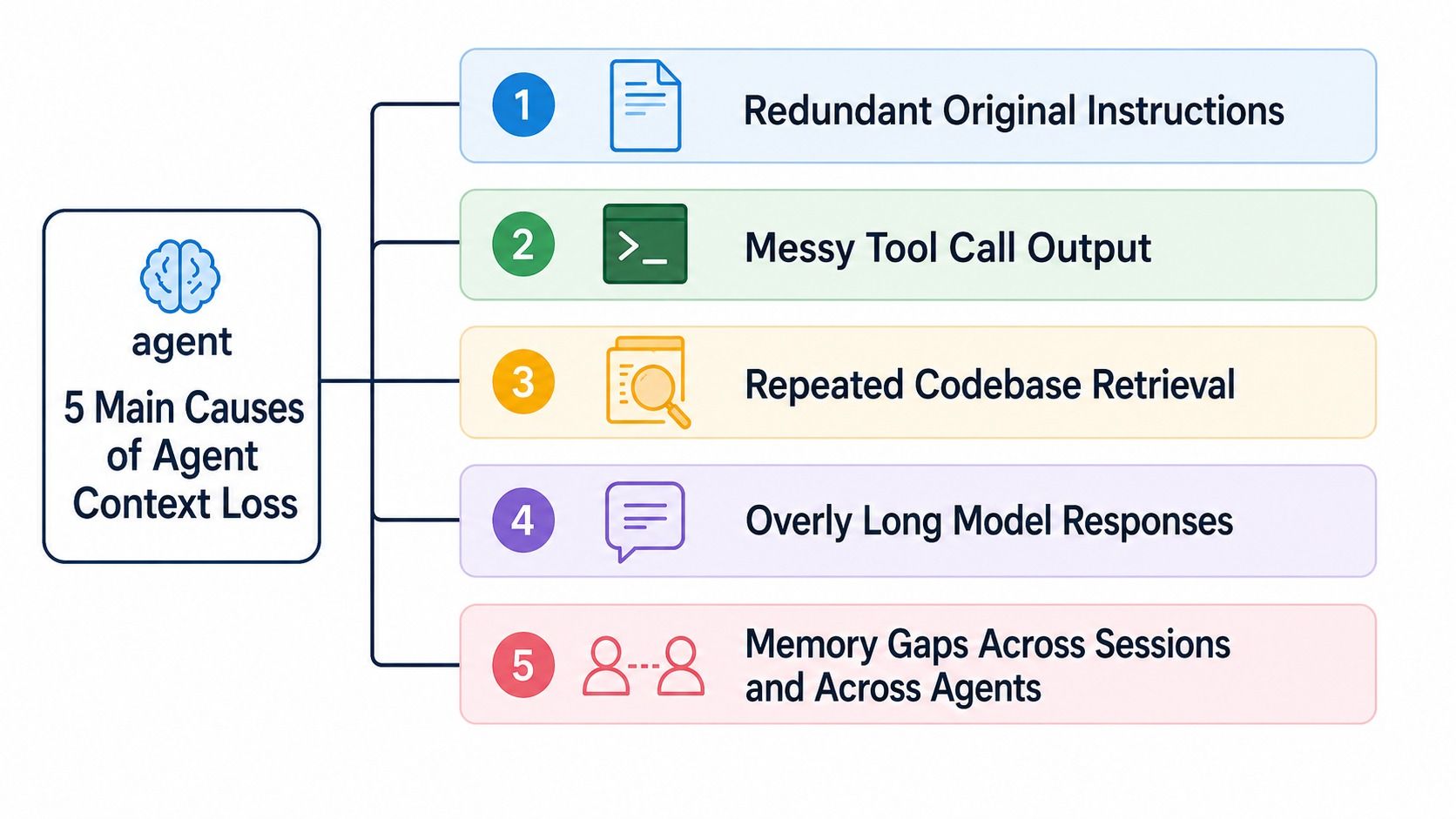 Five causes of Claude Code context loss: redundant instructions, messy tool output, repeated codebase retrieval, long responses, and memory gaps
| Context failure mode | What it looks like in Claude Code | Tool category that helps |
|---|---|---|
| Terminal logs are noisy | git, pytest, gh, and cloud CLIs dump more text than the model needs. | CLI output compression |
| Tool outputs flood the window | Test logs, DOM dumps, and MCP outputs enter the chat as giant raw blocks. | Tool-output sandboxing |
| Codebase navigation repeats | Claude lists directories, greps, reads files, and repeats the same exploration every session. | Code graph or semantic retrieval |
| File reads are too broad | The model reads a whole file when it only needed one symbol or summary. | Progressive code reading |
| Claude talks too much | The answer itself adds unnecessary context for future turns. | Response compression |
| Memory does not persist | You re-explain project decisions every time you start a new session. | Markdown-first memory |
A good context-management stack should do three things: keep junk out, retrieve the right project knowledge on demand, and preserve durable decisions across sessions.
Which Claude Code context tool should you use first?
Start with the layer that creates the most noise in your workflow. If your terminal output is the problem, start with RTK. If Claude keeps wandering through a large repository, start with claude-context or code-review-graph. If your real pain is re-explaining the same decisions every day, start with memsearch.
| Tool | Main problem it solves | Best fit |
|---|---|---|
| RTK | Noisy terminal output from common developer commands. | Developers who run many CLI commands inside Claude Code. |
| Context Mode | Massive raw tool outputs entering the main conversation. | Heavy Playwright, GitHub, log, or MCP-tool users. |
| code-review-graph | Blind codebase exploration in large repos. | Reviews, dependency analysis, and blast-radius questions. |
| Token Savior | Full file reads when a symbol summary would be enough. | Large files, repeated symbol lookups, and incremental code reading. |
| Caveman | Claude’s own verbose response habits. | Users who want terse output and smaller future context. |
| claude-context | Re-exploring the codebase every session. | Semantic code search through MCP. |
| memsearch | Losing project memory across sessions, agents, and model switches. | Long-running projects with durable decisions and lessons. |
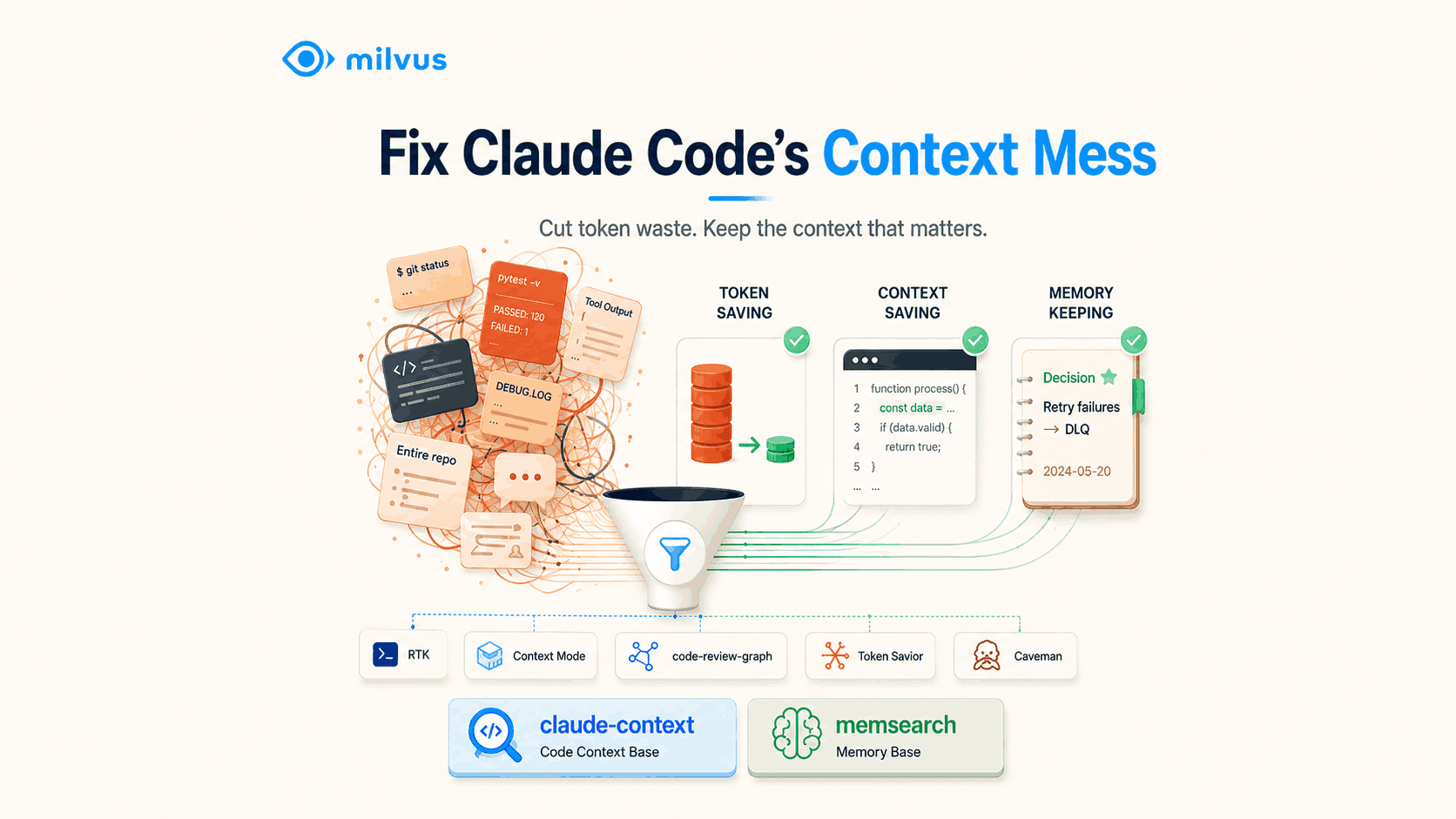
The first five tools reduce what enters or remains in context. The last two make useful context easier to recall.
RTK compresses raw command output before Claude sees it
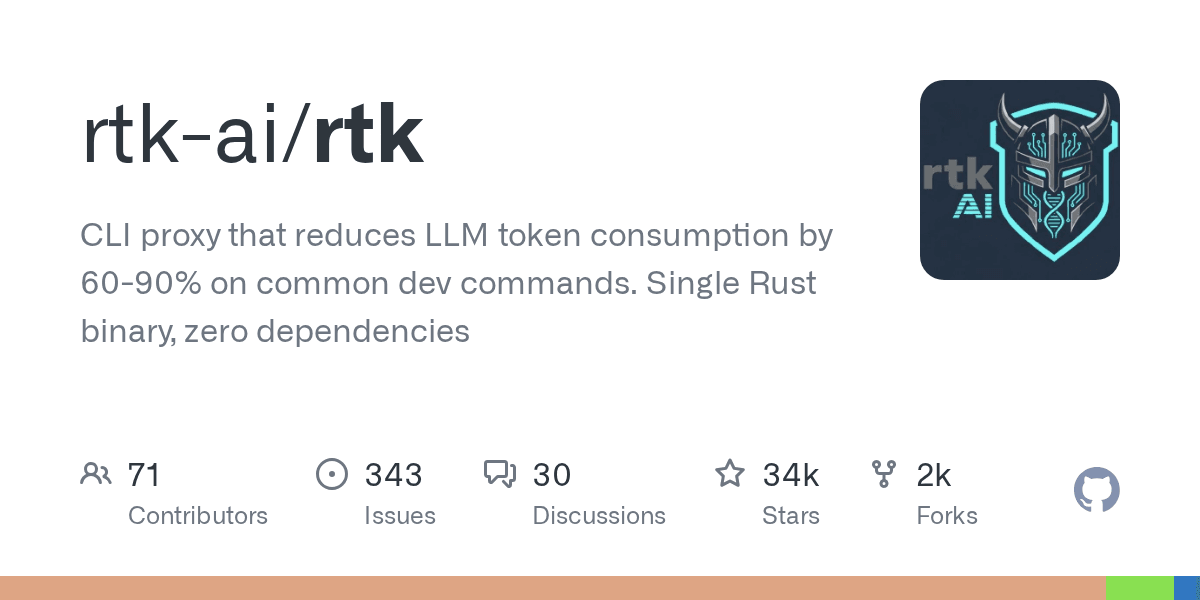
RTK is a CLI proxy for reducing token usage from common developer commands. Its GitHub description says it reduces LLM token consumption by 60-90% on common dev commands, and it ships as a single Rust binary.
In everyday Claude Code use, commands like git status, pytest, and directory listings often dump full environment info and status descriptions into the context window. The model usually needs only a smaller answer: which files changed, which test failed, where the PR is stuck, or what key files exist in the directory.
RTK sits between the shell and Claude. It can rewrite commands through Claude Code hooks and pass back compressed output.
Raw git status output:
On branch feat/payment-retry
Your branch is up to date with 'origin/feat/payment-retry'.

Changes not staged for commit:
  modified:   src/webhook/handler.ts
  modified:   src/queue/dlq.ts
  modified:   tests/webhook.test.ts

Untracked files:
  docs/notes.md

no changes added to commit
What actually matters:
3 modified, 1 untracked
- src/webhook/handler.ts
- src/queue/dlq.ts
- tests/webhook.test.ts
Same story with pytest. The raw output is full of passing cases and environment noise:
============================= test session starts =============================
platform darwin -- Python 3.12.4, pytest-8.4.1
collected 128 items

tests/test_auth.py ....................................
tests/test_webhook.py ....F....
tests/test_queue.py ...................................

================================== FAILURES ==================================
________________ test_retry_to_dlq __________________
E   AssertionError: expected status code 202, got 500
Compressed, the signal is immediate:
128 tests collected, 1 failed
FAIL tests/test_webhook.py::test_retry_to_dlq
AssertionError: expected status code 202, got 500
RTK is the easiest starting point when your context bloat comes from shell commands rather than code retrieval.
Context Mode sandboxes giant tool outputs outside the main chat
Context Mode is built for the raw blocks that tools return: test logs, browser DOM snapshots, GitHub payloads, MCP tool output, and scraped pages. Its GitHub description highlights context-window optimization for AI coding agents and reports 98% tool-output reduction.
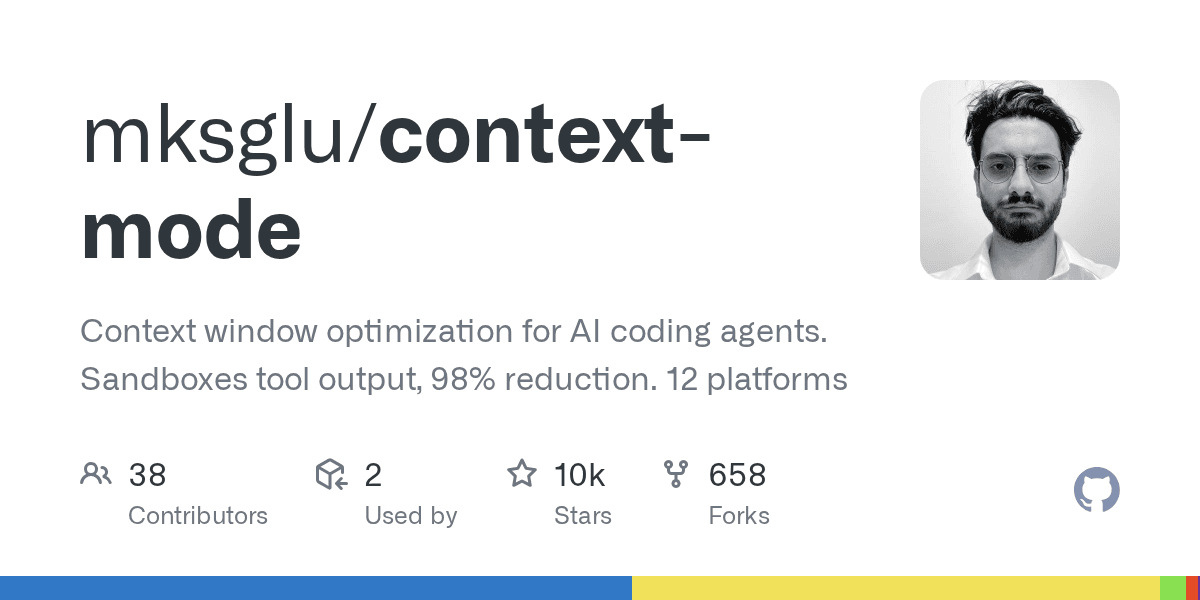 Context Mode GitHub repository card showing sandboxed tool output and context optimization positioning
Its approach is to isolate large tool outputs into a local sandbox and index, then pass only summaries and retrieval handles into the Claude conversation.
 Context Mode flow showing large tool output moving through sandbox execution, SQLite or FTS indexes, summaries, and retrieval results
The flow is useful because a coding agent often needs the failing node, broken selector, or relevant stack trace, not the entire DOM or every passing test line. Context Mode keeps the full output available locally while preventing it from dominating the main conversation.
This is similar to how production hybrid search systems separate storage from retrieval. You keep the raw data somewhere durable, then retrieve only the slice that matters.
code-review-graph maps code structure before Claude navigates it
code-review-graph addresses a different problem: Claude does not always need more text; it needs a better map.
 code-review-graph logo image used in the original article
In a large repository, a simple question can trigger expensive exploration:
After changing this login logic, which files and tests are affected?
Without a code graph, Claude’s typical move is:
read auth.ts
grep login
read middleware
read tests
keep guessing
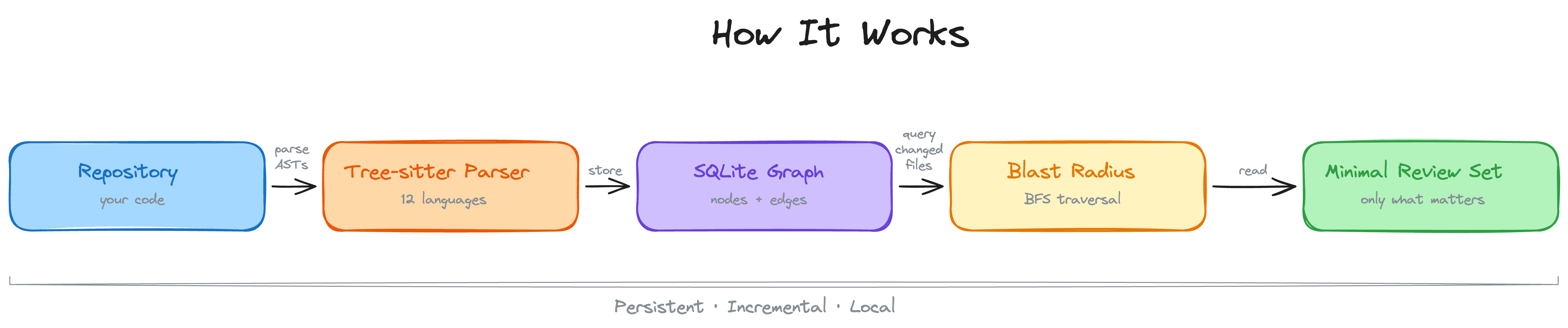
code-review-graph pre-builds a structural map of the codebase. It uses Tree-sitter to parse functions, classes, imports, call relationships, inheritance, and test dependencies, then writes the graph into SQLite.
That makes it useful for code review and blast-radius analysis. Instead of asking Claude to rediscover the dependency graph through repeated reads, you let it query structure first.
This is adjacent to semantic search, but not identical. A structural graph answers “what depends on what?” Semantic retrieval answers “what code is conceptually related to this question?” In real code-assistant workflows, you often want both.
Token Savior gives Claude symbol summaries before full files
Token Savior’s core idea is simple: do not send the full file by default. Send an index or symbol summary first, then expand only when the task needs more detail.
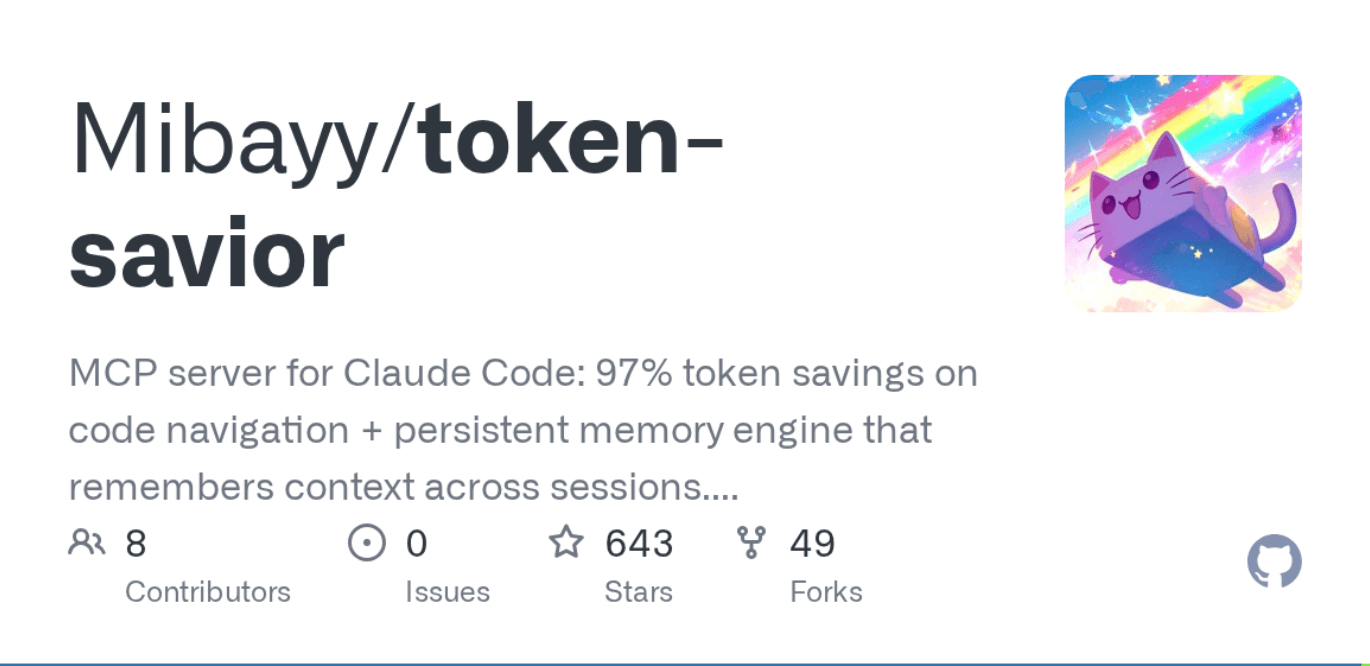 Token Savior GitHub repository card showing its MCP server description and project statistics
If you ask where a payment webhook is handled, the model often does not need every line of every related file. It first needs to know whether a file or symbol is relevant.
Token Savior serves code in layers:
| Layer | What Claude receives | When it expands |
|---|---|---|
| Summary | Index, symbol names, and short descriptions. | Default first response. |
| Snippet | A smaller code section around the relevant symbol. | When the summary is likely relevant. |
| Full file | The complete file content. | Only when editing or deep reasoning requires it. |
This mirrors how developers actually read code. You scan, confirm relevance, then open the full file only when necessary. It also resembles the progressive retrieval pattern used in RAG applications: retrieve broadly enough to orient, then narrow the context before generation.
Caveman reduces Claude’s own response bloat
Most context tools focus on what enters the model. Caveman targets what Claude outputs.
Caveman is a Claude Code skill/plugin that strips filler, pleasantries, wrapper sentences, over-explanation, and repetitive structures. The goal is not to remove knowledge; it is to make the answer denser.
Without Caveman:
The reason your React component is re-rendering is likely because…
With Caveman:
New object ref each render. Inline object prop = new ref = re-render. Wrap in useMemo.
This matters because Claude’s own answers become future context. If every answer includes a long explanation, the next turn starts with more text than it needs. Shorter answers can improve the next turn as much as they improve the current one.
For teams thinking about context engineering for AI agents, Caveman is a reminder that output policy is part of context policy.
claude-context adds semantic code search through MCP
claude-context solves the repeated-codebase-exploration problem with semantic retrieval. It indexes a repository, stores code chunks in a vector database, and exposes search through the Model Context Protocol.
 Claude Context repository shown on GitHub Trending in the original article
In a big codebase, you constantly ask Claude questions like:
Help me figure out which parts of the code might be related to this bug.
Without a retrieval layer, Claude’s default approach is often:
list the directory
grep around
read a bunch of files
keep guessing
claude-context moves that work into a retrieval layer. It chunks the repository, generates embeddings, stores them in a Milvus-backed code index, and retrieves relevant code chunks before the model starts reading files blindly.
 claude-context flow showing codebase chunking, embeddings, vector database and hybrid search, relevant code retrieval, and Claude context injection
This is where AI coding tools start to look like search systems. You need chunking, embeddings, metadata, lexical matching, ranking, and freshness. Those are the same building blocks behind production RAG retrieval, hybrid retrieval routing, and embedding model selection.
memsearch keeps useful memory across sessions and agents
memsearch tackles the opposite side of the problem: not what to forget, but how to recall what matters.
 memsearch logo image from the original article
Imagine you tell Claude on Monday:
Our webhook can’t retry on failure — failed events need to go into a dead letter queue.
On Wednesday, you open a new session and ask:
What else can we optimize in the webhook layer?
Without durable memory, Claude treats Monday’s decision as if it never happened. You explain it again.
memsearch stores memory as local, human-readable Markdown files and uses Milvus as a rebuildable retrieval index. That design keeps memory editable by humans while still making it searchable for agents.
At retrieval time, memsearch uses progressive recall: search first, expand if needed, then drill down to the original transcript only when necessary.
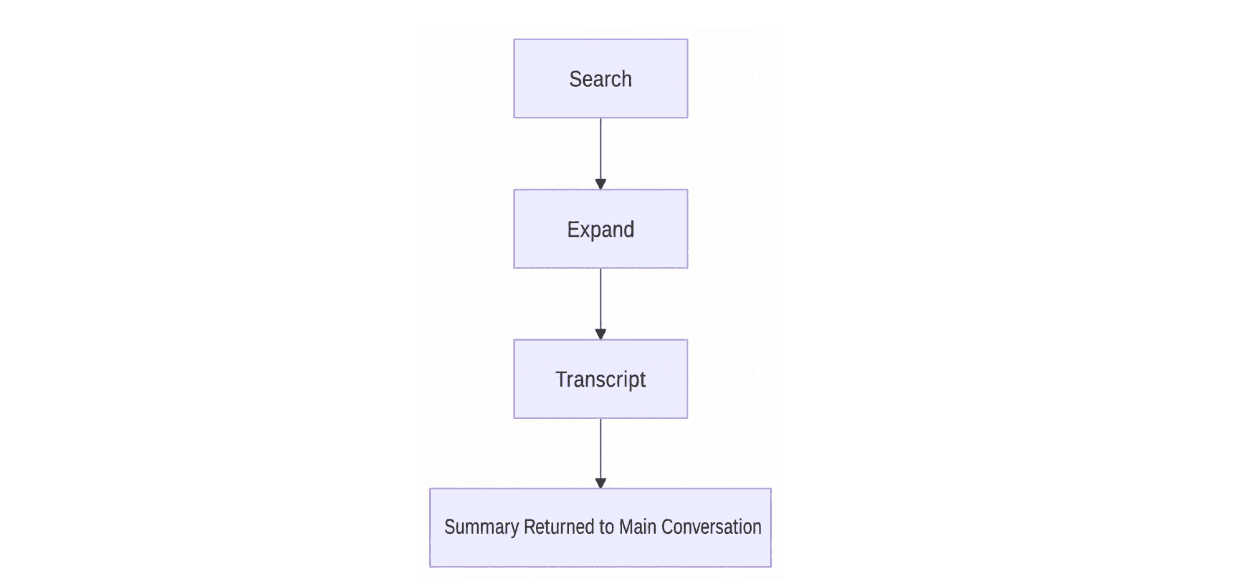 memsearch progressive retrieval flow showing search, expand, transcript, and summarized return to the main conversation
This Markdown-first pattern is useful for teams working across sessions, models, and agents. It also pairs naturally with long-term AI agent memory, shared multi-agent memory, and the broader problem of preventing context rot in agent systems.
How do these tools work together?
The seven tools are complementary, not interchangeable. Use them as layers.
| Layer | Use these tools | Why |
|---|---|---|
| Remove command noise | RTK | Compress high-volume terminal output before it reaches Claude. |
| Sandbox raw tool output | Context Mode | Keep large logs, DOMs, and tool payloads outside the main conversation. |
| Map code structure | code-review-graph | Answer dependency and blast-radius questions without blind file reads. |
| Read code progressively | Token Savior | Start with symbol summaries, then expand only as needed. |
| Compress Claude’s answers | Caveman | Prevent the model’s own output from becoming future context bloat. |
| Retrieve relevant code | claude-context | Use semantic and hybrid code search instead of repeated grep loops. |
| Reuse durable decisions | memsearch | Recall project history across sessions, agents, and model switches. |
A practical rollout order is:
- Kill obvious noise first. Add RTK or Context Mode if shell output and tool payloads dominate your context.
- Fix repository navigation. Add code-review-graph for structure or claude-context for semantic code retrieval.
- Control what remains. Use Token Savior and Caveman to keep file reads and model responses compact.
- Preserve durable knowledge. Use memsearch when repeated explanations become the bottleneck.
Keep in touch
- Join the Milvus Discord community to ask questions and compare context-management patterns with other developers.
- Book a free Milvus Office Hours session if you want help designing a retrieval layer for code, memory, or RAG workloads.
- If you’d rather skip the infrastructure setup, Zilliz Cloud (managed Milvus) offers a free tier to get started.
Frequently Asked Questions
How do I reduce Claude Code token usage without losing useful context?
Start by compressing the noisiest inputs: terminal output, raw tool payloads, and repeated code reads. Then add retrieval tools such as claude-context or code-review-graph so Claude can pull relevant code instead of exploring the repository from scratch.
Should I use claude-context or code-review-graph for a large repo?
Use claude-context when you need semantic code search, especially when you do not know the exact file or symbol name. Use code-review-graph when you need structural answers such as call relationships, imports, test dependencies, and review blast radius.
Is memory different from code retrieval in Claude Code?
Yes. Code retrieval finds relevant project files or symbols. Memory retrieval recalls durable decisions, user preferences, debugging history, and cross-session lessons. memsearch focuses on memory; claude-context focuses on code retrieval.
Do these tools replace prompt caching or a larger context window?
No. Prompt caching and large context windows help with capacity and cost, but they do not decide what information deserves attention. Context-management tools improve the quality and density of what enters the model in the first place.
 cccm 11zon
- What causes Claude Code context defocus?
- Which Claude Code context tool should you use first?
- RTK compresses raw command output before Claude sees it
- Context Mode sandboxes giant tool outputs outside the main chat
- code-review-graph maps code structure before Claude navigates it
- Token Savior gives Claude symbol summaries before full files
- Caveman reduces Claude's own response bloat
- claude-context adds semantic code search through MCP
- memsearch keeps useful memory across sessions and agents
- How do these tools work together?
- Keep in touch
- Frequently Asked Questions
On This Page
Try Managed Milvus for Free
Zilliz Cloud is hassle-free, powered by Milvus and 10x faster.
Get Started




Like the article? Spread the word